Downloading data from a folder
To download a file, simply check the box in front of the file and click on Download.
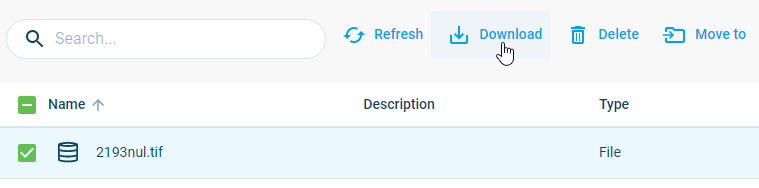
A pop-up appears, asking if you want the file as-is (most likely) or if you would like to convert it before downloading. Decide on the option you want.
After clicking the download button, you will see a notification that the download process has started. Once the process is completed you will see the file downloaded to the download folder of your local PC.
Note: Remember to allow popups in the browser. Otherwise, you may not see the downloaded file.
