MIKE Mesh Builder
There is one general page for the MIKE Cloud Admin where all the applications that you have access to can be found: https://dataadmin.mike-cloud.com
We recommend using this page as a bookmark, as this page also holds the announcements regarding the applications. That means you can find information regarding downtime and warnings about these applications here.
Once you create a folder in MIKE Cloud Admin, you can then select the application Mesh Builder:
Figure 3‑1 The MB application button in MIKE Cloud Admin
After you click the button, the application should be started and you should see the Workspaces page for the selected folder.
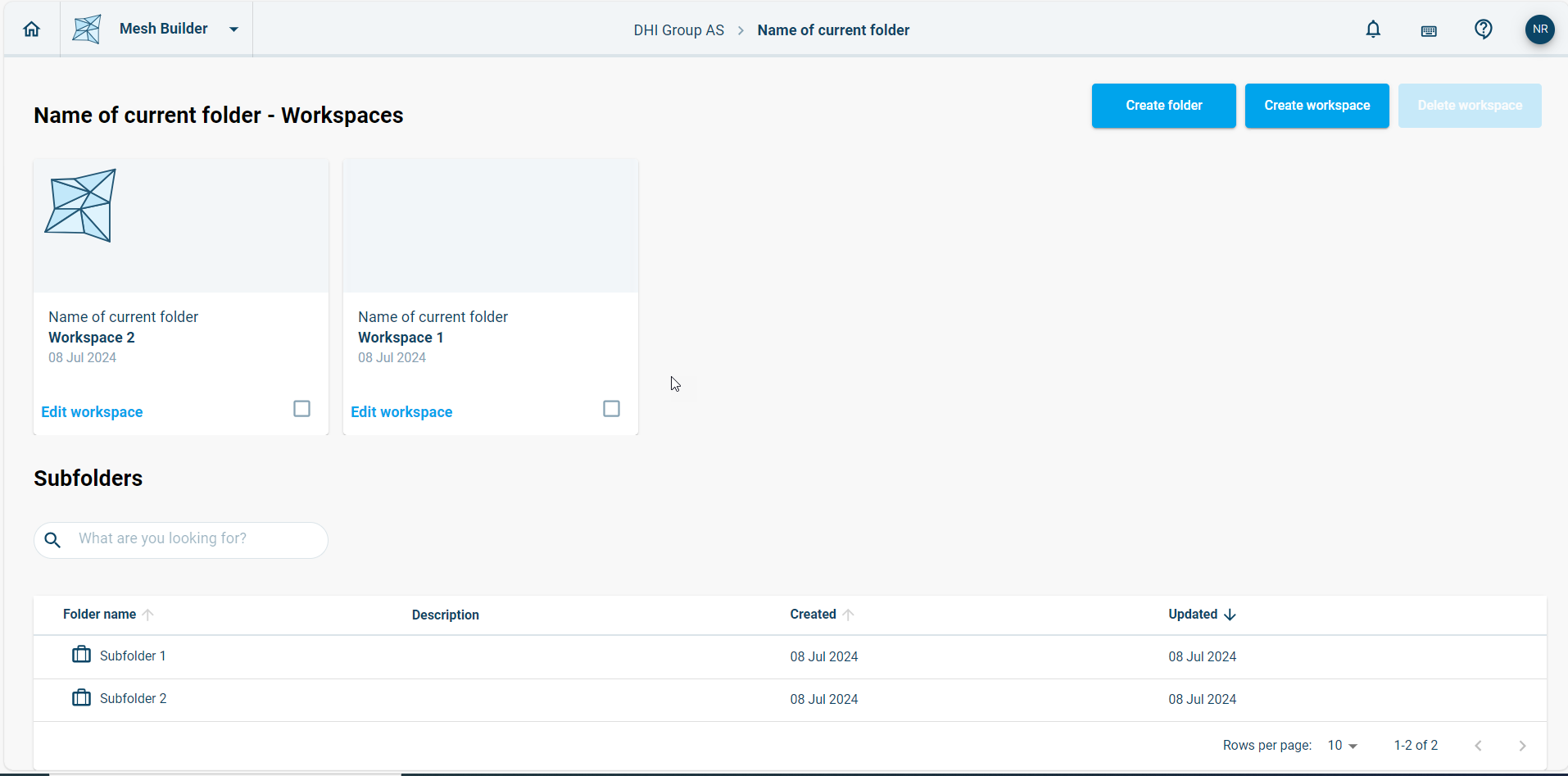
Figure 3‑2 Workspaces page for the selected folder
To switch to another folder, it’s possible to navigate up to the root directory at the top of the screen:

Figure 3‑3 Click on the folder name to navigate to the root directory
Subfolders can be accessed from the list of subfolders displayed beneath the list of workspaces.